
Introduction
Microsoft 365 Copilot is no longer a single AI experience built on one model. Since Microsoft began rolling out Anthropic’s Claude models inside Copilot Chat, Researcher, Copilot Studio, and Excel’s AI Agent Mode, users have gained the ability to pick between OpenAI and Claude depending on the task at hand. For businesses running Dynamics 365, Business Central, or Power BI on Microsoft’s cloud, this is more than a headline about AI competition. It changes how reporting, research, and document work get done inside the same Microsoft 365 environment, and it raises new questions about data handling that IT and finance leaders need to understand before flipping the switch.
This blog will cover the following points
- What actually changed when Claude joined Microsoft 365 Copilot
- How model selection works across Copilot Chat, Researcher, and Copilot Studio
- What this means for Dynamics 365, Business Central, and Excel users
- Data residency and governance considerations enterprises should review
- Why the right implementation partner matters, and how Sysamic can help
What Actually Changed
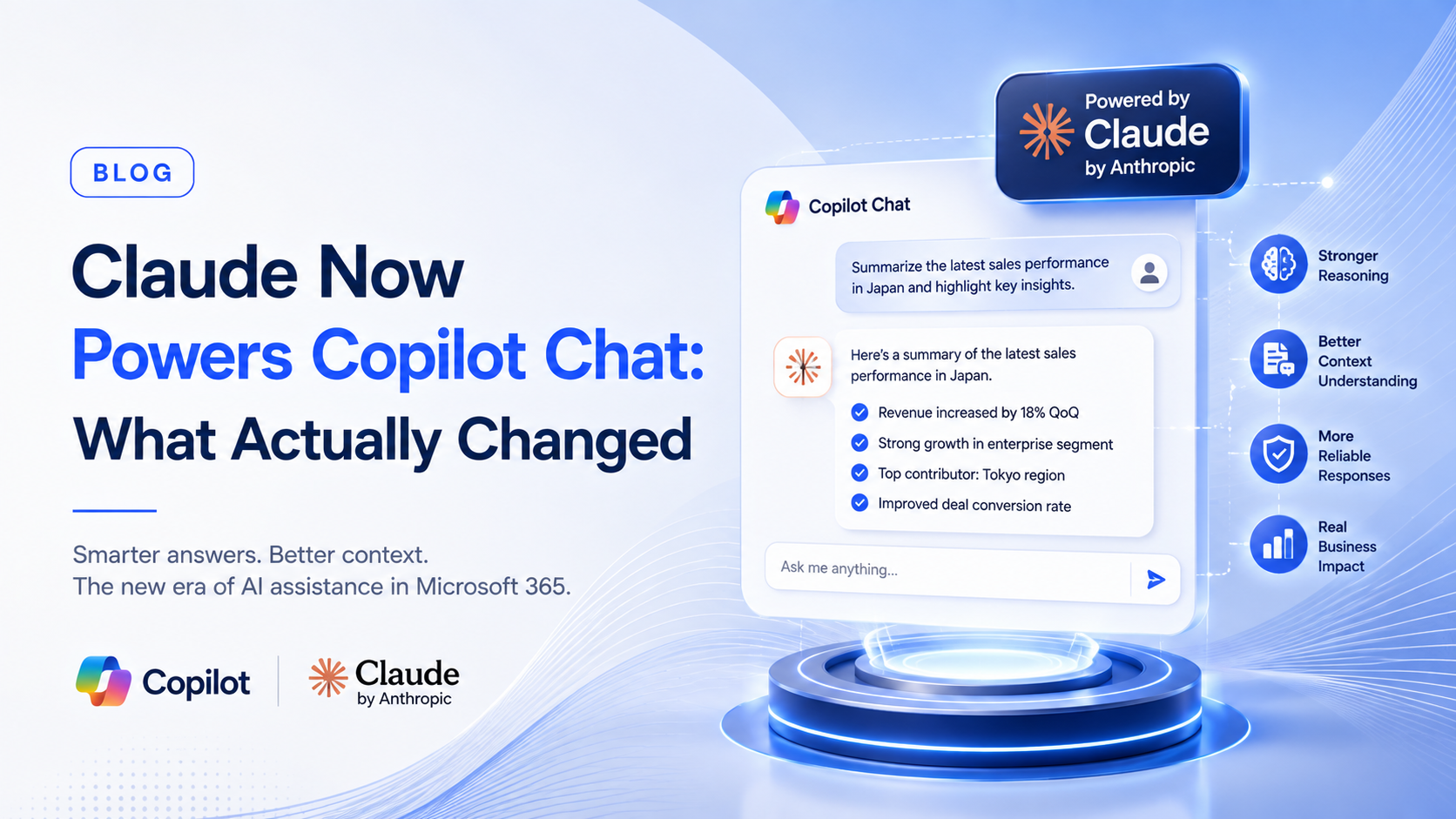
Microsoft expanded Copilot’s model options by adding Anthropic’s Claude Sonnet 4 and Claude Opus 4.1 alongside its existing OpenAI models. This is not Claude replacing Copilot’s underlying engine. It is Copilot becoming multi-model, giving users a choice for specific tasks rather than a single model handling everything. The Researcher agent can now use Claude Opus for complex research that pulls from web data, third party sources, and organizational content such as email, chats, meetings, and files. Copilot Studio developers can build multi-agent systems that mix models from different providers, assigning Claude to the parts of a workflow where its reasoning style fits best. Excel’s AI Agent Mode, still in preview, also added Claude support for formula generation, dataset analysis, and error detection.
How Model Selection Works
For end users, the change shows up as a straightforward choice rather than a technical decision. Copilot Chat and Researcher now offer a way to switch between OpenAI and Anthropic models depending on the task, and Copilot Studio presents this as a dropdown menu when configuring an agent. Organizations do not get this automatically. Access is opt-in through the Microsoft 365 admin center, and the rollout has moved through Microsoft’s Frontier Program for licensed Copilot customers, meaning IT administrators control whether Claude is even available to their users in the first place.
What This Means for Dynamics 365 and Business Central Users
For companies running Dynamics 365, Business Central, or Power BI, the practical benefit is having a model suited to the task rather than forcing every job through the same engine. Claude’s strengths in summarizing long documents, extracting insights from company data, and synthesizing information across sources are useful for finance and operations teams doing month end reviews, vendor research, or board reporting. Because Claude is accessed through Azure Foundry under existing Azure agreements, enterprises already on Microsoft’s cloud do not need a separate vendor contract to use it, which lowers the barrier for Dynamics customers to test it inside their existing workflows.
Data Residency and Governance Considerations
The detail most worth flagging for compliance minded organizations, and especially for Japan subsidiaries of foreign companies, is where the data actually goes. Anthropic’s models are hosted outside Microsoft managed environments and are subject to Anthropic’s own terms of service, meaning a query processed by Claude does not stay inside the same compliance boundary as a query processed by Microsoft’s native models. For businesses managing Japanese accounting data, supplier records, or HR information under strict local governance expectations, this is not a reason to avoid Claude, but it is a reason to review admin settings and data handling policies before enabling it broadly rather than after.
Conclusion
Copilot’s shift to a multi-model experience gives Dynamics 365 and Business Central users more flexibility, but that flexibility comes with a governance decision that IT teams need to make deliberately rather than by default. Reviewing admin controls, understanding where Claude requests are processed, and deciding which teams actually need model choice will determine whether this update improves reporting or simply adds complexity.
Sysamic K.K. is a Tokyo-based Microsoft Dynamics 365 and Power BI partner with more than 20 years of experience helping North American and European companies run compliant, well-governed Japan operations. We help clients configure Microsoft 365, Dynamics 365, and Power BI environments with full attention to Japan’s data governance expectations and the compliance obligations that come with running a foreign subsidiary here. If your team wants help reviewing your Copilot admin settings or rolling out multi-model AI responsibly, we would be glad to help. Email us at info@sysamic.com or fill out our contact form here to get in touch.