
Introduction
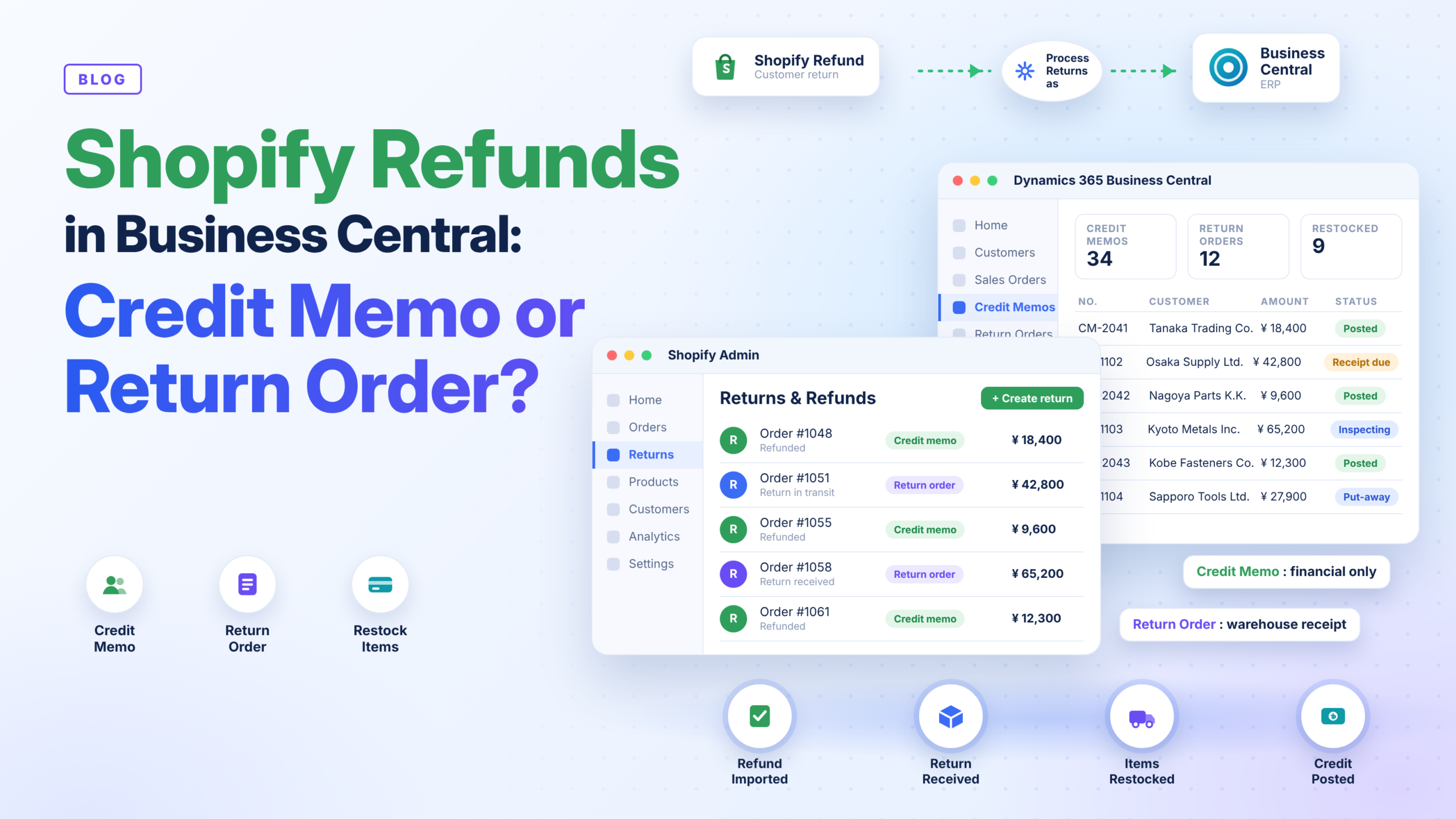
Every Shopify store eventually deals with returns, and every return becomes an accounting question. When a customer is refunded in Shopify, the Shopify Business Central integration has to record it correctly, otherwise revenue and receivables are overstated and stock counts drift. Microsoft Dynamics 365 Business Central lets the Shopify connector book Shopify refunds in two ways: as a sales credit memo or as a sales return order. Choosing between them affects finance, warehouse, and customer service. This guide explains the difference, how to configure it, and which option suits your business.
This blog will cover the following points
- How Shopify returns and refunds reach Business Central
- Sales credit memo: what it does and when it fits
- Sales return order: what it adds for the warehouse
- How to configure the Process Returns as setting
- Exchanges, locations, and common pitfalls
- How Sysamic can help
How Shopify Refunds Reach Business Central
When a refund is issued in Shopify, the connector imports it with the original order. Business Central then uses the shop’s settings to decide what to do. The Process Returns as option can be left blank, so returns and refunds are not imported at all, set to import only, so documents are created manually, or set to create sales documents automatically. For finance teams, automatic creation is attractive because each Shopify refund should have a matching document in Business Central. A refund without one is a classic reconciliation problem.
Sales Credit Memo
The credit memo is the traditional route and was the only one the connector supported until recently. It credits the customer’s balance directly and adjusts revenue and tax. It is quick and works well when the goods are low value, are not returned at all, or are inspected outside the ERP. The limitation is that a credit memo bypasses physical return receipt, so inventory is not updated through a warehouse process. If the returned item must go back on the shelf, someone has to handle that separately.
Sales Return Order
The return order adds a step between the refund and the financial credit. It lets the warehouse receive the goods, inspect them, and put them away before the credit is posted. This is the better fit when returned items must be inspected, graded, or restocked, and when you want an audit trail from customer request through return receipt to credit. For businesses selling higher-value items, spare parts, or regulated products, that control is usually worth the extra step. Microsoft added the option so warehouse return processing is supported, not just a financial adjustment.
How to Configure It
Open the Shopify Shop card in Business Central and find the Process Returns as setting. Choose Sales Credit Memo or Sales Return Order. You can also define a default return location, and Business Central can use the original location from the Shopify refund before falling back to the default, which helps stock return to the right warehouse. Accounts matter too: restocked items post to the item, while shipping, tips, gift cards, and non-restocked items post to configured G/L accounts. Review these accounts with your accountant before go-live.
Exchanges and Order Changes
Customers often want a replacement rather than money back. In the 2026 wave 2 release, the connector can import the returned item and the exchange item together. The returned item has a positive quantity and the exchange item a negative one. A Move Negative Lines action lets you split the replacement onto its own sales document. Microsoft describes parts of this as new, so test real scenarios in a sandbox first.
Which Should You Choose?
Choose the sales credit memo if you want speed, issue mostly refunds without physical returns, and handle inspection elsewhere. Choose the sales return order if goods come back to your warehouse, stock accuracy matters, or auditors expect a receipt trail.
Conclusion
Shopify refunds are more than a button click in the store. Whether you choose a credit memo or a return order, the goal is the same: every refund has a matching, correctly posted document in Business Central. Decide based on how your goods flow back, then test before you automate.
Sysamic K.K. is a Tokyo-based Microsoft Dynamics 365 Business Central partner with more than 20 years of experience helping international companies run compliant, well-configured ERP operations in Japan. We configure the Shopify connector, design return and refund workflows, map locations and accounts, and align posting with Japan’s tax and invoicing requirements. If you want your Shopify refunds to reconcile cleanly, we would be glad to help. Email us at info@sysamic.com or fill out our contact form here to get in touch.