
Introduction
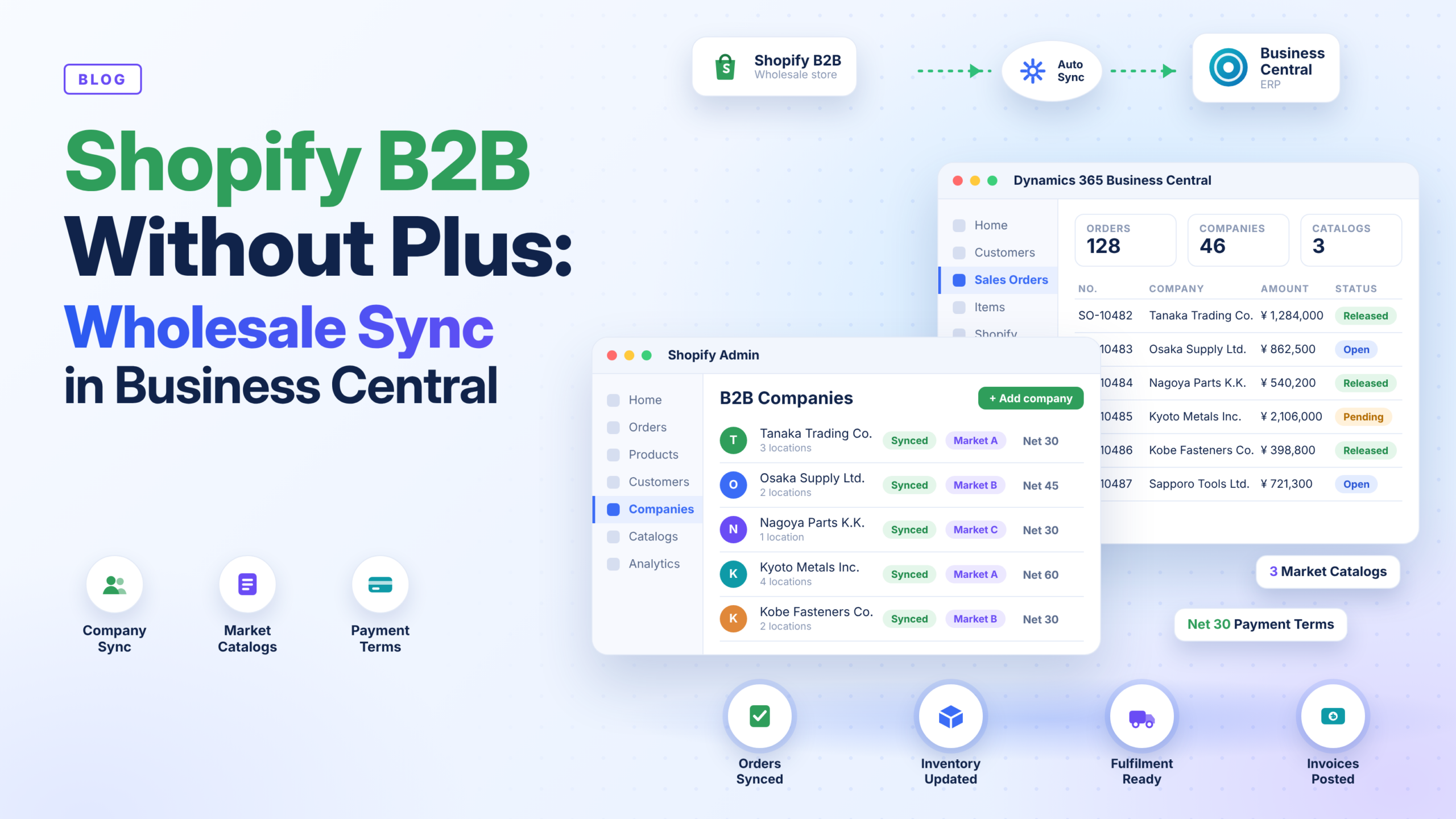
Until recently, selling wholesale through Shopify meant paying for Shopify Plus. That has changed. Core Shopify B2B features are now available on the Basic, Grow, and Advanced plans, and the Business Central Shopify connector supports them. For small and mid-sized companies that sell to both consumers and trade buyers, this makes a single Shopify ERP integration realistic without an enterprise budget. This guide explains how the Shopify Business Central integration handles wholesale sync on non-Plus plans, what the limits are, and how to set it up properly.
This blog will cover the following points
- What changed for Shopify B2B without Plus
- How companies and locations sync to Business Central customers
- How B2B orders and payment terms are processed
- Market catalogs, limits, and what still needs Advanced or Plus
- A practical setup checklist for Shopify wholesale
- How Sysamic can help
What Changed
Shopify opened its core B2B and wholesale features to Basic, Grow, and Advanced plans in 2026, and Microsoft updated the Business Central Shopify connector so these features work on every plan, including Plus. Existing users should turn the connector off and back on with the Enabled toggle on the Shopify Shop card to pick up the new availability. For distributors, manufacturers, and exporters, this means Shopify B2B no longer requires a plan upgrade just to connect trade customers to the ERP.
Companies and Locations Sync
Shopify has companies and customers, while Business Central has only customers. The connector therefore imports each Shopify company as a Business Central customer, using its company locations for address and related details. Matching is controlled by the Company Mapping Type: by email or phone, by tax ID, or always to a default company. Tax ID matching can use the registration number or VAT registration field, which suits Japan, where trade partners are identified by registration numbers. You can import all companies in bulk, or let them arrive with each order, and unknown companies can be created automatically from a template. Include posting groups and tax settings in that template, otherwise new customers will not post correctly.
Two details cause confusion. Only the main contact is imported, and a company without a main contact is skipped, so check your data first. Payment terms also need a mapping record, so each location’s terms translate into Business Central payment terms.
B2B Order Processing
When a wholesale order arrives, the connector identifies the company and uses the company location to choose the correct bill-to and ship-to customers. The order becomes a sales order, and shipments and tracking flow back to Shopify the same way as for consumer orders. The default customer rules, customer templates, and tax areas set up for each country or region still influence which customer is used, so consistent setup matters.
Catalogs and Pricing
Wholesale pricing is where plan limits appear. On Basic, Grow, and Advanced, you can assign catalogs to B2B markets for price synchronization, with up to three active market catalog assignments. Shopify Plus allows unlimited assignments. Assigning catalogs directly to individual companies or locations, which enables customer-specific contract pricing, requires Advanced or Plus, along with the B2B Catalogs page and the Auto Create B2B Catalog setting. If you only need a few price tiers, three market catalogs may be enough. Companies with many negotiated price lists should plan for Advanced or Plus.
Sending Customers to Shopify
Sync also runs the other way. Business Central customers can be exported as Shopify companies with a default location and main contact, and a catalog per company can pull prices from Business Central instead of maintaining them twice.
Setup Checklist
First, confirm your Shopify plan and the B2B market structure you need. Second, set the company mapping type and a customer template with correct posting and tax settings. Third, map payment terms. Fourth, decide how many price lists you need and whether three market catalogs are enough. Fifth, test in a sandbox with a real company, several locations, and a partial shipment before going live.
Conclusion
Shopify B2B without Plus gives smaller sellers a practical route to wholesale, and Business Central keeps stock, pricing, customers, and invoices in one place. The key is planning company mapping, catalogs, and payment terms before go-live.
Sysamic K.K. is a Tokyo-based Microsoft Dynamics 365 Business Central partner with more than 20 years of experience helping international companies run compliant, well-configured ERP operations in Japan. We set up and test Shopify wholesale sync, design company and price mappings, and align the integration with Japan’s tax and invoicing requirements. If you want to launch Shopify B2B with Business Central, we would be glad to help. Email us at info@sysamic.com or fill out our contact form here to get in touch.