
Introduction
In Part 1 of this series, we covered Copilot setup, licensing, and limits. Part 2 answers the question that comes before any custom project: what does Power BI for Business Central give you without building anything? The answer is a lot more than most finance teams expect. Microsoft ships ready-made Power BI apps with semantic models, reports, and KPIs, and embeds them directly inside Microsoft Dynamics 365 Business Central. This guide explains what is included, how it works, and where out-of-the-box reporting stops.
This blog will cover the following points
- What the out-of-the-box Power BI apps for Business Central include
- The nine functional areas covered
- How Power BI reports appear inside Business Central
- What you need to license and set up
- Open-source files and customization
- Limits and when to go beyond the standard apps
- How Sysamic can help
What Is Included
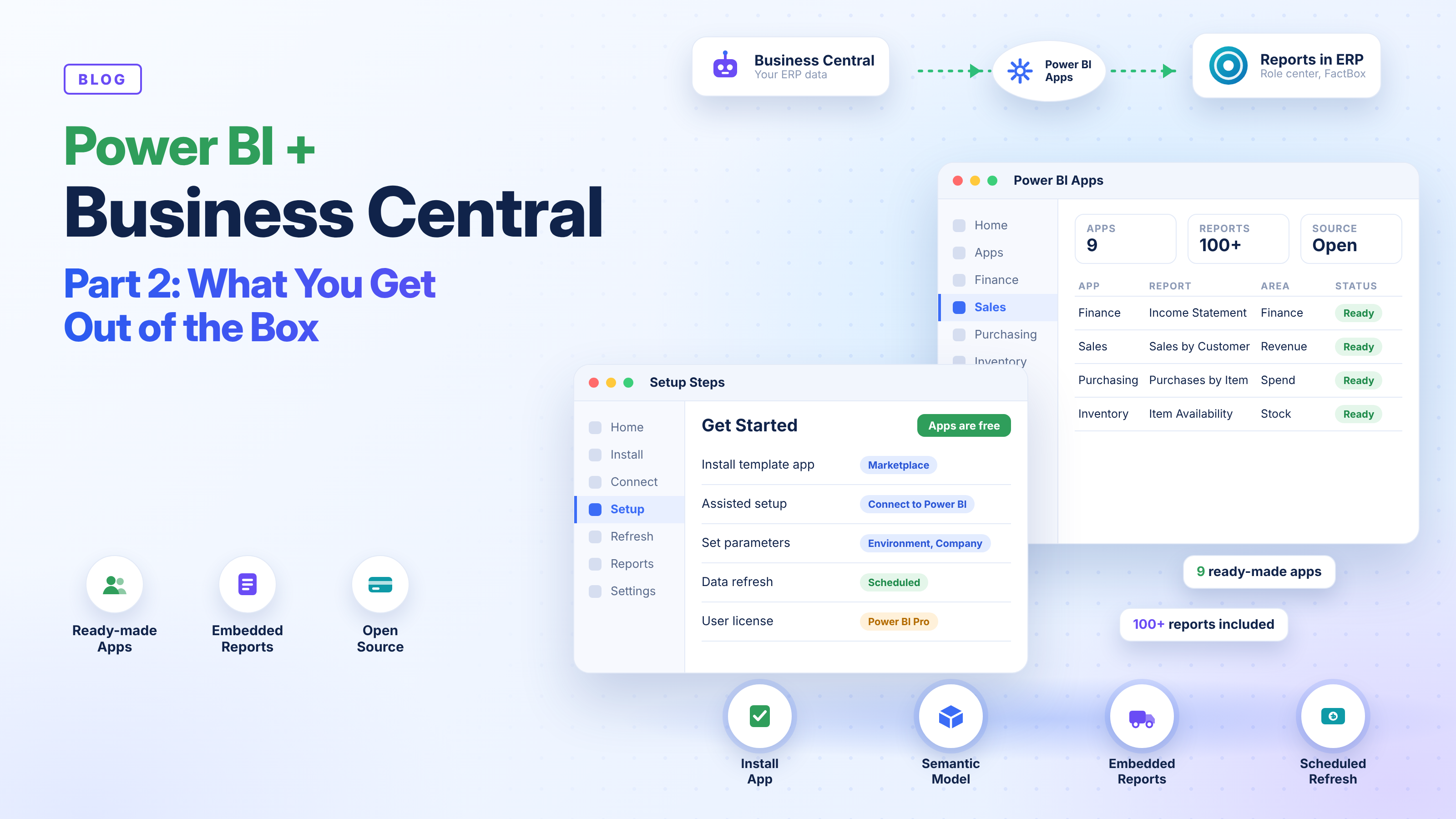
Microsoft provides Power BI apps for Finance, Sales, Purchasing, Inventory, Inventory Valuation, Projects, Manufacturing, Subscription Billing, and Sustainability. Across them, Microsoft’s documentation lists well over 100 reports. Each app has two parts: a connector app with APIs and setup pages that ships with Business Central, and a Power BI template app containing the semantic model and reports. The models use star schemas, with KPIs built as measures, so numbers stay consistent across reports.
Reports by Area
The Finance app covers items such as the income statement, balance sheet, budget comparison, liquidity, EBITDA, and aged receivables and payables. The Sales app includes sales by item, customer, salesperson, and location, plus forecasting and customer retention. Purchasing covers vendor analysis and purchases by item. The Inventory app offers item availability, inventory by location, and bin contents, with a separate Inventory Valuation app for cost views. Manufacturing adds work center load, capacity variance, and production order tracking. Projects, Subscription Billing, and Sustainability extend reporting to job profitability, churn and contract value, and CO2e analysis.
Power BI Inside Business Central
The out-of-the-box value is not only the reports, but where they appear. Power BI reports can sit on role centers and in a FactBox on key list pages. On a list page, the report filters to the row you select, so clicking a customer updates the visuals for that customer. Users do not need to leave the ERP, which makes Power BI Business Central reporting practical for everyday use.
Licensing and Setup
Microsoft states that the apps are free to install and use, but users need a paid Power BI license. Some summaries, including search overviews, describe this as no extra software cost, which can mislead budgeting. Microsoft Learn says Power BI Pro licenses are needed for the installer, the person who refreshes data, and each viewer, unless the content sits in Premium or Fabric capacity.
Setup follows a clear order. Install the template app from Microsoft Marketplace, choose a workspace (Microsoft recommends one per app), and run the Connect to Power BI assisted setup in Business Central. There you set the calendar type, UTC offset, work days, and report mapping. Then set the Environment and Company parameters on each semantic model and schedule refreshes. The Business Central user who refreshes the data needs Read permission on the tables each app uses.
Open Source and Customization
Since October 2025, the source files for all standard Business Central Power BI apps have been open sourced. Partners and customers can adjust models and reports to their own KPIs instead of starting from scratch. Microsoft advises keeping a copy of customized reports so changes survive app updates.
Limits to Know
Out-of-the-box reporting has boundaries. Apps work per company, so a multi-company group needs a separate install and workspace for each company. Data is refreshed on a schedule, not live. Some dimension data needs a job queue entry to run before it appears. Standard reports will not include your custom fields, extra data sources, or Japan-specific views such as consumption tax. Independent advisers make the same point: built-in reports suit basic operational needs, while growing companies often need executive dashboards built on the standard foundation.
Conclusion
The standard apps are the fastest route to value. Start with them, prove the numbers, and customize only where your business genuinely differs.
Sysamic K.K. is a Tokyo-based Microsoft Dynamics 365 Business Central partner with more than 20 years of experience helping international companies run compliant, well-configured ERP operations in Japan. We install and configure the Power BI apps, set up refresh and permissions, customize reports for Japanese fiscal and tax requirements, and train your finance team to use them. If you want useful dashboards without a long build, we would be glad to help. Email us at info@sysamic.com or fill out our contact form here to get in touch.