
Introduction
AI tools are only as useful as the business data they can reach. Until recently, connecting an assistant to your ERP meant custom code, fragile integrations, and a lot of security worry. That is changing. Microsoft Dynamics 365 Business Central now supports the Model Context Protocol (MCP), an open standard that lets AI agents securely connect to your ERP, read data, and, when you allow it, perform business actions. For finance and operations teams, including international companies operating in Japan, MCP could turn Business Central from a system you query into one your AI tools can work with directly.
This blog will cover the following points
- What MCP is and why it matters for ERP
- How Business Central’s MCP server works
- Read-only access by default and how to enable write actions
- Security, permissions, and audit trails
- Practical use cases for finance and operations
- How Sysamic can help you adopt MCP safely
What Is MCP and Why It Matters
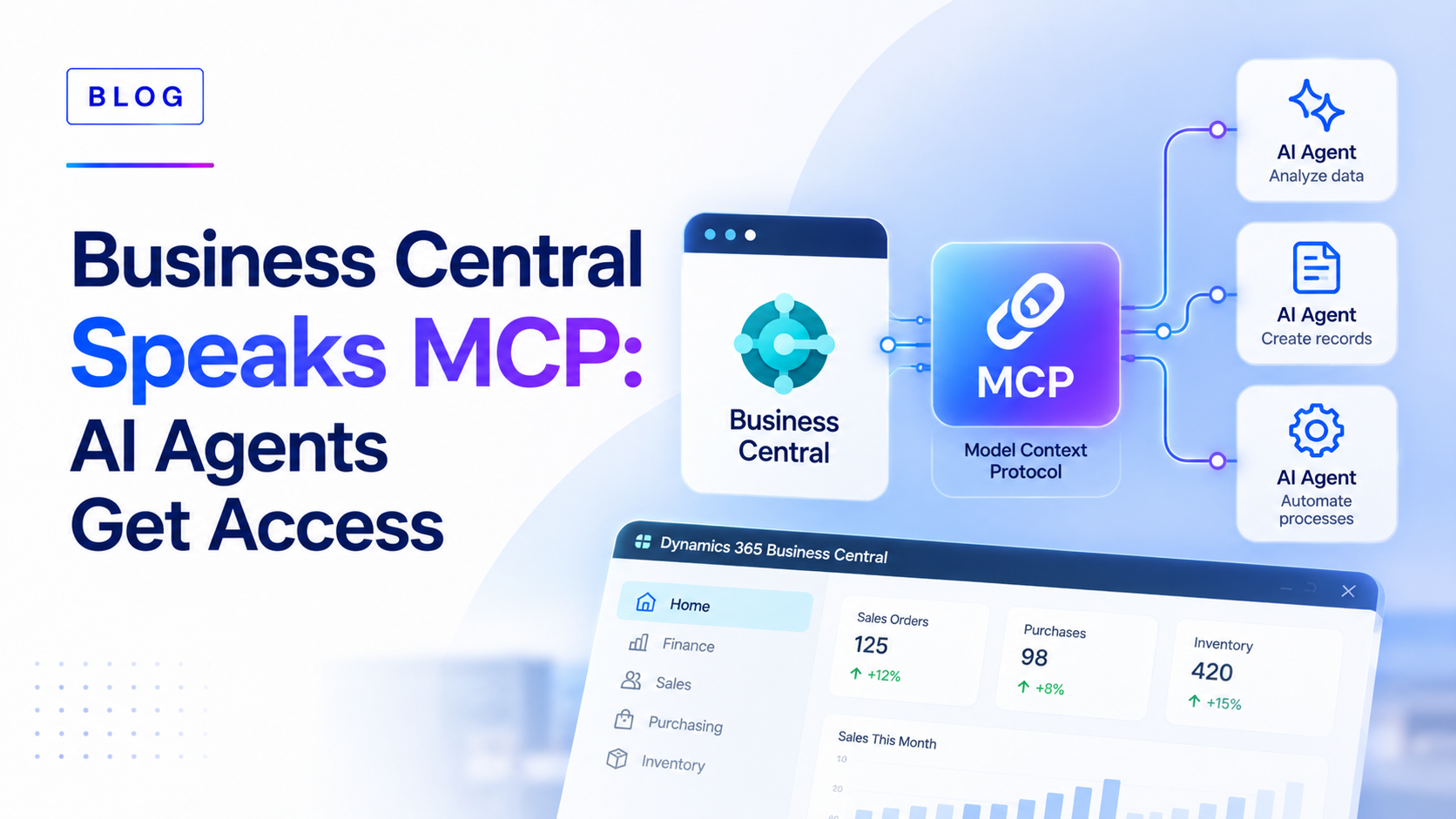
The Model Context Protocol acts as a secure bridge between AI clients and your business data. Instead of building a custom wrapper for every tool, MCP gives compatible clients a standard way to discover what Business Central offers and use it. Business Central’s MCP server works with Copilot Studio, Visual Studio Code, and other MCP-compliant clients, so your teams are not locked into a single AI product.
How the Business Central MCP Server Works
Once configured, an AI agent connects to Business Central through the MCP server and uses approved API pages and queries as its tools. A dynamic tool mode lets agents discover available tools on their own, so administrators do not need to configure every object one by one. In practice, an agent can answer a question such as “What did this customer order last quarter?” without anyone exporting a spreadsheet.
Read-Only by Default, Write Access by Choice
Out of the box, agents receive read-only access to the exposed API pages and nothing more. This is a sensible starting point. Administrators can then deliberately configure specific API page objects and queries to allow create, update, delete, or action capabilities. The principle is simple: start narrow, prove value, then widen access only where the business case and controls justify it.
Security, Permissions and Audit Trails
Security is where MCP adoption succeeds or fails. Operations run under the signed-in user’s own security role and permissions, so an agent cannot see or change anything that user could not. Every action is permission-checked and logged under that identity, which gives auditors a clear trail. Authentication uses Microsoft Entra ID with standard OAuth 2.0 and PKCE. Even so, we recommend reviewing permission sets before connecting any agent, because MCP will faithfully expose whatever access a user already has, including access that was granted too broadly years ago.
Practical Use Cases
Business Central already ships agents for sales orders, payables, and expenses, and MCP extends this reach to the AI tools your teams already use. Typical scenarios include answering customer and inventory questions in natural language, drafting sales quotes from an enquiry, matching supplier invoices to purchase orders, and preparing month-end summaries. For Shopify sellers and manufacturers, agents can also check stock and order status without logging in to the ERP. Because Business Central also connects with Power BI, Power Automate, and Microsoft 365, MCP fits naturally into the wider Microsoft stack many Japan-based teams already use.
Where to Start
A practical path has three steps. First, review current workflows and clean up user roles and permission sets. Second, enable read-only MCP access in a sandbox and test with a small group. Third, add write capabilities selectively, with approval steps for anything that posts to the ledger.
Conclusion
MCP gives Business Central a standard, secure way to work with AI agents, and the safest route is a gradual one: read-only first, tight permissions, full audit trails, and write access only where it earns its place. Companies that prepare their data and security model now will be ready to benefit as agent capabilities grow.
Sysamic K.K. is a Tokyo-based Microsoft Dynamics 365 Business Central partner with more than 20 years of experience helping international companies run compliant, well-configured ERP operations in Japan. We review user roles and permissions, set up MCP and Copilot Studio connections in a sandbox, design approval controls, and train your team to use AI agents with confidence. If you want a readiness assessment before connecting AI to your ERP, we would be glad to help. Email us at info@sysamic.com or fill out our contact form here to get in touch.