
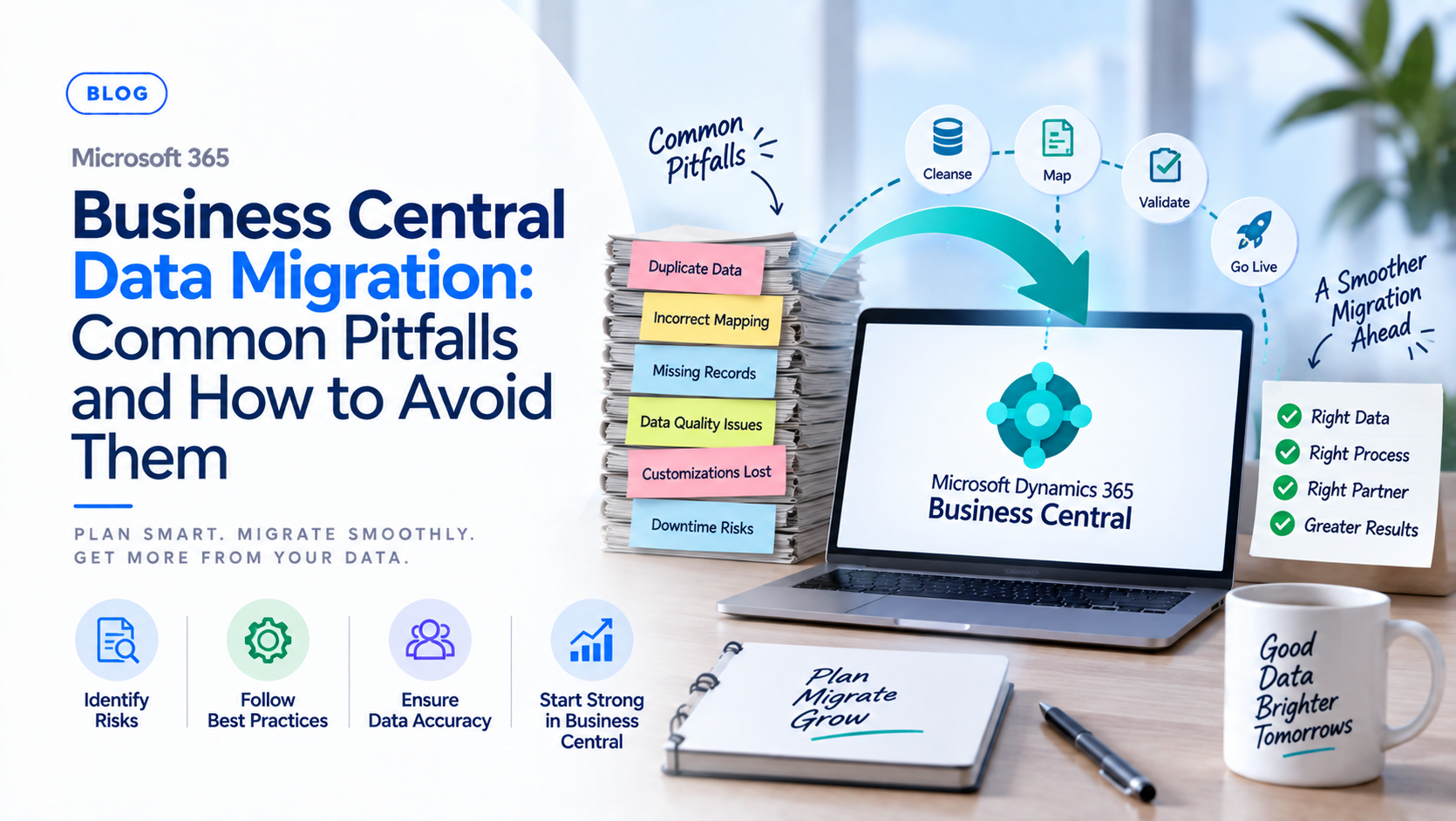
Introduction
Every Business Central implementation eventually comes down to a single high-stakes moment: the day historical data actually moves into the new system. Avoiding common pitfalls in Microsoft Dynamics 365 Business Central data migration requires structured planning, proper data cleansing, and rigorous testing before go-live, and the businesses that skip any of these steps tend to find out the hard way, usually on the morning after cutover when reports do not reconcile and staff cannot find the records they need. Understanding where migrations typically go wrong is what separates a smooth transition from a rocky one.
This blog will cover the following points
- Why treating migration as a purely technical task causes data quality problems
- The risk of migrating too much historical data
- Why skipping data cleansing breaks reporting and daily workflows
- How to avoid cutover errors through proper test migrations
- Why table and field alignment deserves careful attention
- Why the right implementation partner matters, and how Sysamic can help
Treating Migration as Purely Technical
The most common root cause behind failed migrations is organizational, not technical. Viewing data migration as just an IT task leads to poor data quality alignment, because IT staff can move data accurately but cannot always judge whether the data reflects how the business actually operates. The fix is to assign business process owners, not just technical staff, to validate data mappings and business rules before migration scripts run, since the people who use the data daily are the ones who can catch a mapping error that looks correct on a spreadsheet but is wrong in practice.
Migrating Too Much History
A second recurring mistake is bringing over years of obsolete or redundant historical data that clutters the new system and slows performance from day one. Instead of migrating everything a legacy system has ever stored, the better approach is to migrate active master data, open transactions, and a clearly defined historical cutoff period, then archive older data externally where it remains accessible for audit purposes without weighing down daily operations in the new system.
Skipping Data Cleansing
Importing dirty data, including duplicates, inactive accounts, or mismatched formats, breaks reporting and daily workflows almost immediately after go-live. The dirty data does not disappear once it is inside Business Central; it simply becomes harder to find and fix. Profiling, cleaning, and standardizing source data before running any import packages takes real time upfront, but it is far cheaper than discovering duplicate customer records or malformed tax codes weeks after the new system is already live and being relied on for daily transactions.
Failing to Test via Trial Cutovers
Doing a single live migration without practice runs invites major cutover errors, since the first time a migration script actually runs against production-scale data should never be the final cutover itself. Budgeting time and resources for at least one full trial data migration in a sandbox environment allows a team to measure test duration, reconcile totals against the legacy system, and catch errors while they are still cheap to fix rather than after the business is already operating on the new platform.
Ignoring Table and Field Alignment
Mismatched primary keys, data types, or unrefactored custom fields cause replication and upgrade failures that often do not surface until well after go-live, when a report suddenly breaks or a custom field stops updating correctly. Mapping and validating destination fields carefully before finalizing migration scripts, rather than assuming a field-to-field match will work because the names look similar, prevents a class of errors that are difficult and expensive to untangle once live transactions depend on that structure.
Why This Matters at Go-Live
The pattern behind most migration failures is the same: general ledger reconciliation errors, missing transaction history, and broken reports on go-live day are rarely caused by one single mistake, but by several of these pitfalls compounding together. A business that skips data cleansing while also rushing the test cutover is taking on two risks at once, and the consequences show up together on the worst possible day to discover them.
Conclusion
A successful Business Central data migration comes down to treating it as a business project with technical execution, not a technical project that happens to involve business data. Structured planning, disciplined data cleansing, and at least one full trial migration before go-live are what consistently separate a smooth transition from a chaotic one.
Sysamic K.K. is a Tokyo-based Microsoft Dynamics 365 Business Central partner with more than 20 years of experience helping companies plan and execute ERP data migrations correctly. We help clients validate data mappings with the right business stakeholders, clean and standardize source data, and run proper trial cutovers before go-live, so migrations land without the reconciliation surprises that derail so many projects. If your team is planning a Business Central migration and wants a second look at your approach, we would be glad to help. Email us at info@sysamic.com or fill out our contact form here to get in touch.