
Introduction
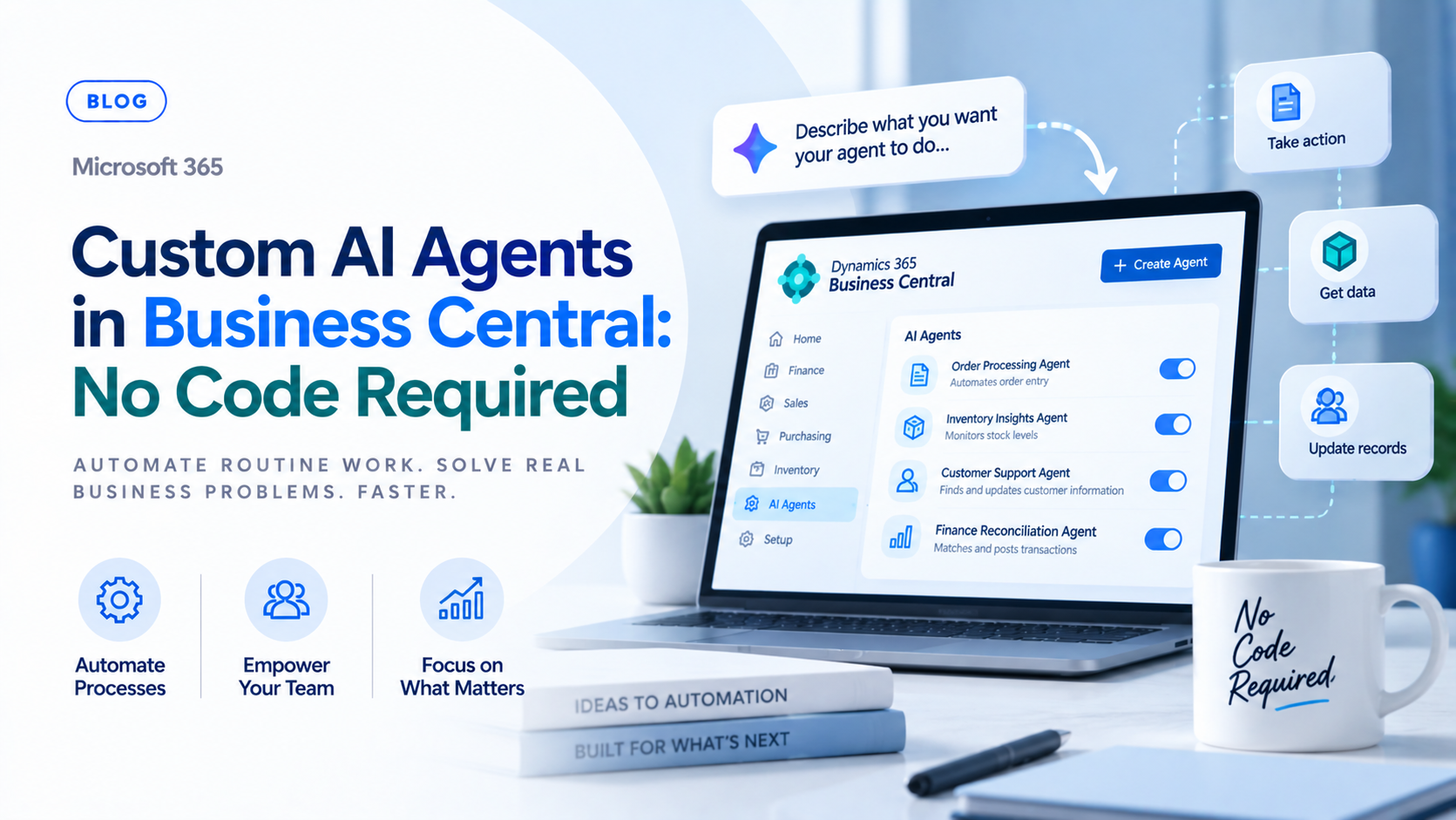
Business Central has quietly become a platform where finance and operations teams can build their own AI agents without writing a line of code. Using plain-language instructions directly inside an in-product guided wizard, users can design and prototype custom AI agents in Dynamics 365 Business Central to handle recurring tasks like accounts receivable follow-up, sales validation, or requisition worksheet updates. For businesses that have watched Copilot features roll out passively without much control over how they behave, this is a meaningful shift, giving teams the ability to define an agent’s role and actions directly rather than waiting for Microsoft to ship it as a packaged feature.
This blog will cover the following points
- How the no-code agent creation wizard actually works
- The steps involved in building an agent, from starting point to monitoring
- The prerequisites and permissions your team needs before getting started
- Why “no code” comes with an important asterisk for production use
- Why the right implementation partner matters, and how Sysamic can help
How No-Code Agent Creation Works
The entry point is the A+ icon inside a Business Central environment, which opens the guided creation interface where agent building actually happens. From there, users choose a starting point, either creating an agent from scratch or starting from a pre-built template such as the Sales Validation template, which gives less technical users a working example to adapt rather than a blank page. The process then moves through configuring basics and profiles, where an agent gets a name that sets its display initials and is assigned a profile, such as Accounts Receivable Administrator, along with an initial permission set that governs what it can actually touch inside the system.
From Instructions to a Working Agent
The core of the no-code experience is writing plain-language instructions that define the agent’s behavior, role, and actions, such as managing returns or updating requisition worksheets, using straightforward text instructions rather than code. This is what makes the feature genuinely accessible to business users rather than developers, since defining an agent’s job reads more like writing a task description for a new employee than configuring software. Once instructions are in place, the agent can run and be monitored directly within the user interface, processing actions like a standard user while logging its operations for review, which gives teams visibility into exactly what the agent did and why.
Prerequisites and Limitations
Getting started requires more than curiosity. Users need the Agent Admin permission set to design agents in the first place, and the Agent Diagnostics permission set to view execution logs once an agent is running. The environment itself has requirements too, since building and testing agents requires a sandbox environment on version 27.2 or later, with Copilot billing and custom agent capabilities specifically enabled in the tenant, meaning this is not available by default in every setup without some configuration first.
Why “No Code” Comes With an Asterisk
The most important nuance in this whole story is what happens after prototyping. While designing and testing an agent in a sandbox genuinely requires no code, moving a custom agent into a formal production environment typically requires AL development support, using the AL Agent SDK to properly package the agent and manage its permissions securely. In other words, no-code gets a business user from idea to working prototype quickly, but a production-ready deployment, especially one touching financial data or customer records, still benefits from a developer’s involvement to make sure permissions, error handling, and packaging are done correctly. Businesses that skip this step and push a prototype straight into production risk exactly the kind of permission and data exposure issues that a properly packaged agent is meant to avoid.
Conclusion
No-code AI agent creation in Business Central genuinely lowers the barrier for business users to prototype automation ideas quickly, but the step from a working sandbox prototype to a secure production deployment still benefits from experienced development support. Treating that transition seriously, rather than skipping it, is what keeps a helpful automation from becoming a permissions or data exposure problem later.
Sysamic K.K. is a Tokyo-based Microsoft Dynamics 365 Business Central partner with more than 20 years of experience helping companies get real value out of Copilot and custom AI agents. We help clients move from a no-code agent prototype to a properly packaged, permission-safe production deployment using the AL Agent SDK, so automation actually holds up under real business conditions. If your team wants help designing or deploying a custom AI agent in Business Central, we would be glad to help. Email us at info@sysamic.com or fill out our contact form here to get in touch.